
In this new article, we’d like to share the latest graphical improvements coming to Ascent Quest.
We’ve talked about several ongoing changes in our recent videos, and we’ve now reached a point where those improvements are clearly visible.
The challenge of VR optimization
Graphics are a critical aspect of VR. Not only because they greatly enhance immersion, but also because everything needs to be highly optimized to consistently reach a very minimum of 72 frames per second (FPS). That’s an even bigger challenge given the very high rendering resolutions involved: 4064 × 2208 pixels (8 million pixels) on the Quest 3.
On top of that, software like SteamVR or Virtual Desktop allows players to push the resolution up to 50% higher to smooth the image, bringing it to 6192 × 3312 pixels (20 million pixels). That’s a far cry from non-VR games, which often target 4K rendering (8 million pixels) at 60 FPS. In short, it’s an incredible challenge, especially when you aim to create rich environments like those in Ascent Quest.
Using a modern gaming PC, we should not try to hit 72 FPS at 4K, but more 90 FPS at 5K (125% of the Quest 3 resolution) for a PCVR game with good visual quality. All of this without relying on reprojection technologies like Meta’s Space Warp, which are mainly intended for lower-end hardware.
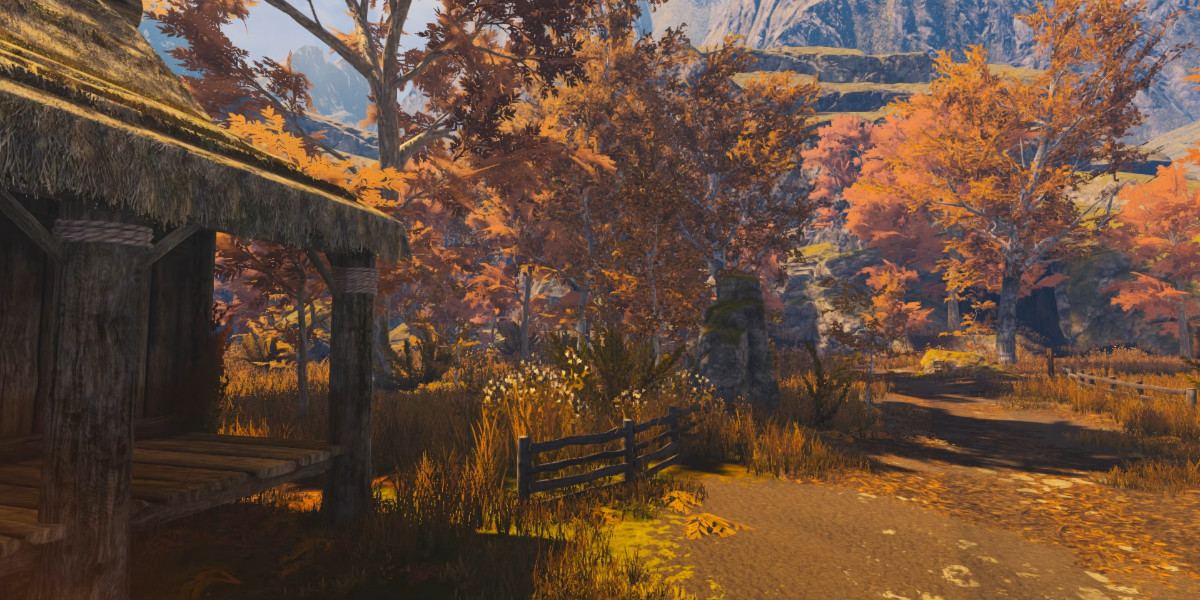
Before these changes, the environment shown above ran at 90 FPS in 4K. But at 5K, with players around, it struggled to reach 70 FPS, so well below acceptable results. On top of that, we weren’t truly satisfied with the visual look or the overall atmosphere.
In the rest of this article, we’ll explain how we tackled these issues over the past few weeks to improve both performance and visual quality.
Vegetation
During our first Alpha tests, one of the first issues that became obvious was how resource-hungry the vegetation was. Grass, bushes, and trees add a lot to immersion, but rendering thousands of leaves and blades of grass comes at a cost. We could have drastically reduced the density, but we wanted to preserve the beauty of the environment.
So we reworked the textures, shadows, and overall vegetation rendering systems. This lengthy effort resulted in a gain of about 10 FPS in the same scene.
From an atmosphere standpoint, we also felt the scene lacked a bit of fantasy and that the trees were generally too small. Beyond improving the mood, larger trees can actually benefit performance ; one highly detailed tree is usually cheaper to render than many smaller ones clustered together. That’s how we started creating what we call mega-trees.
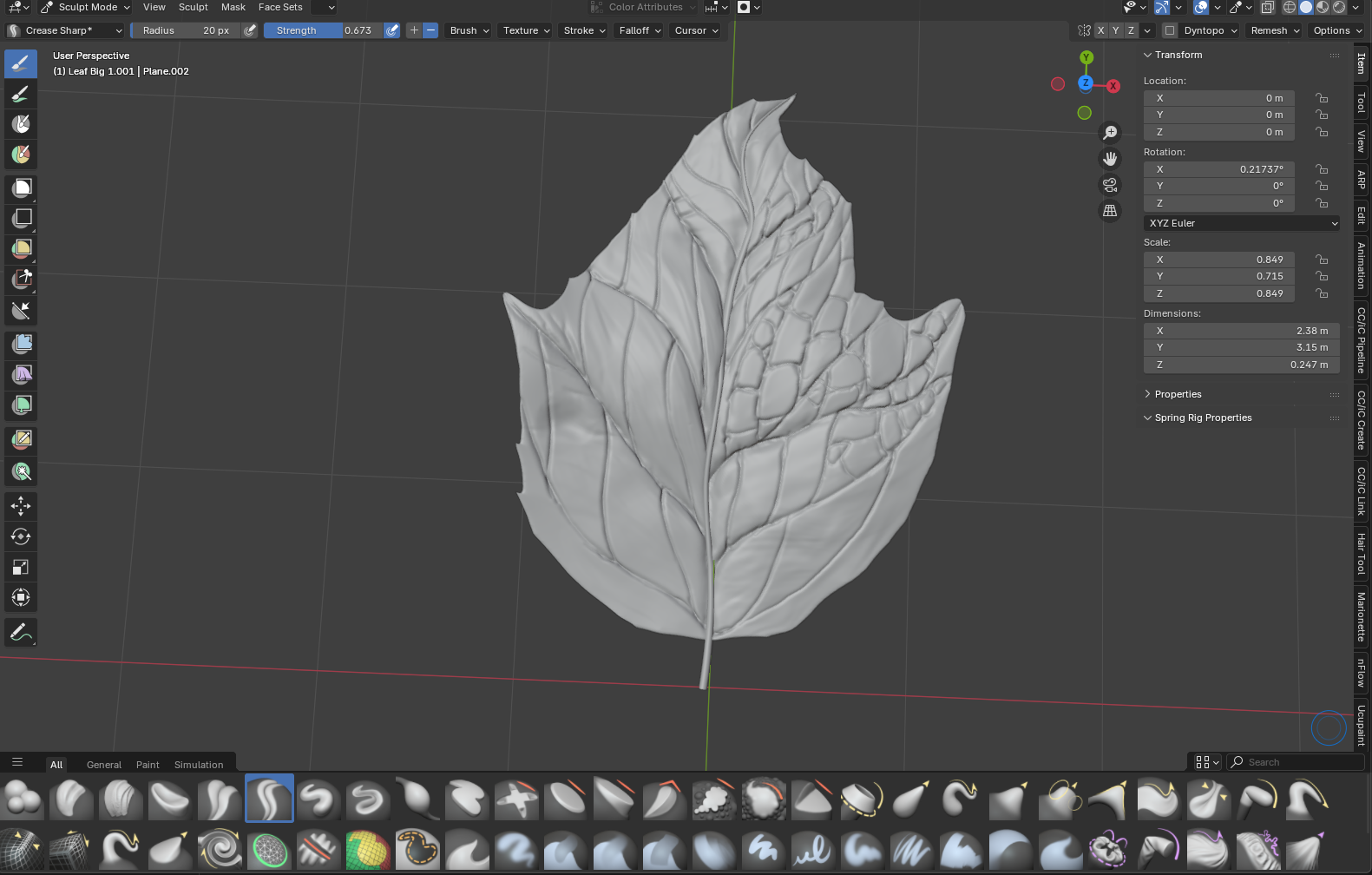
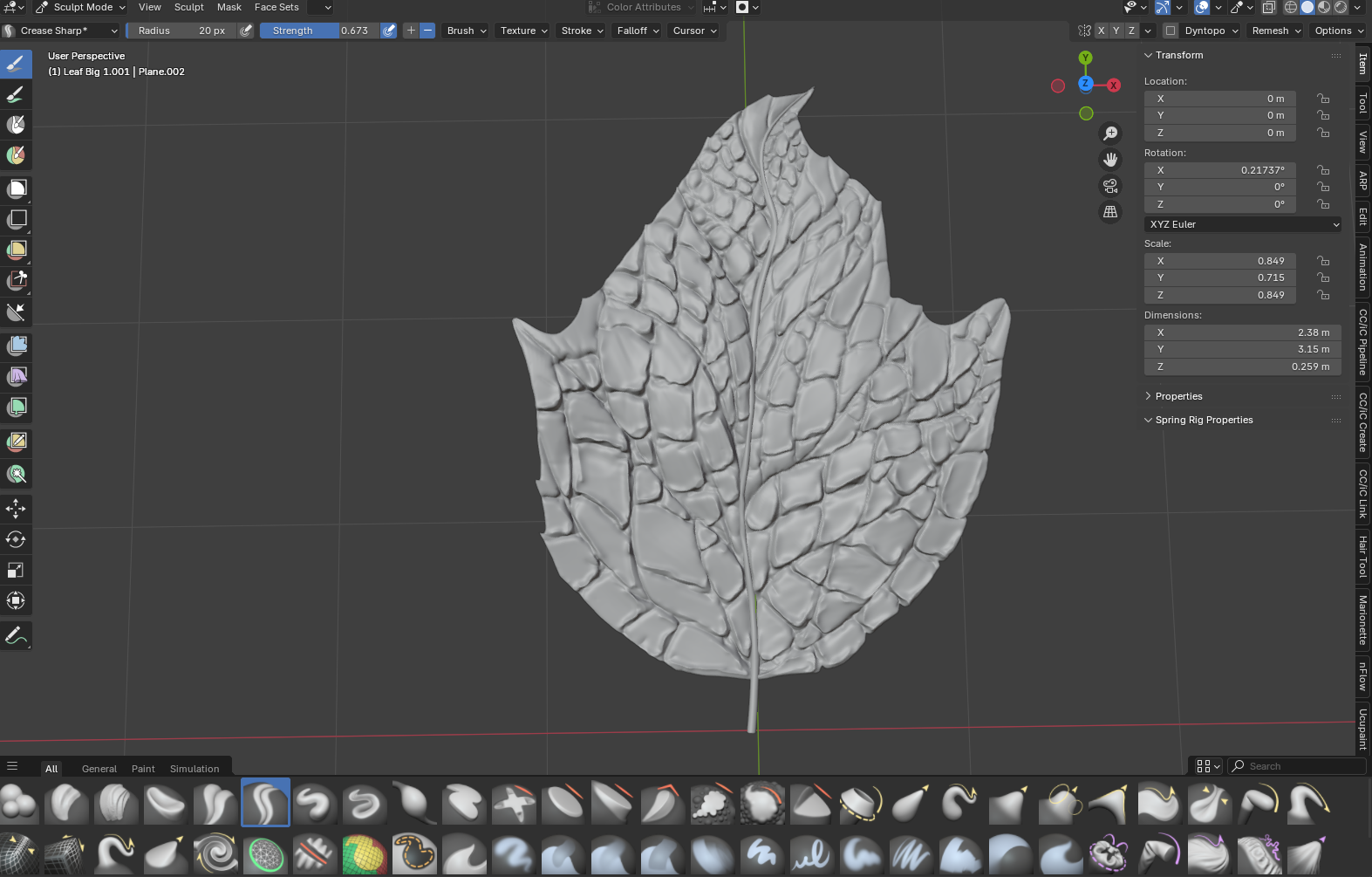
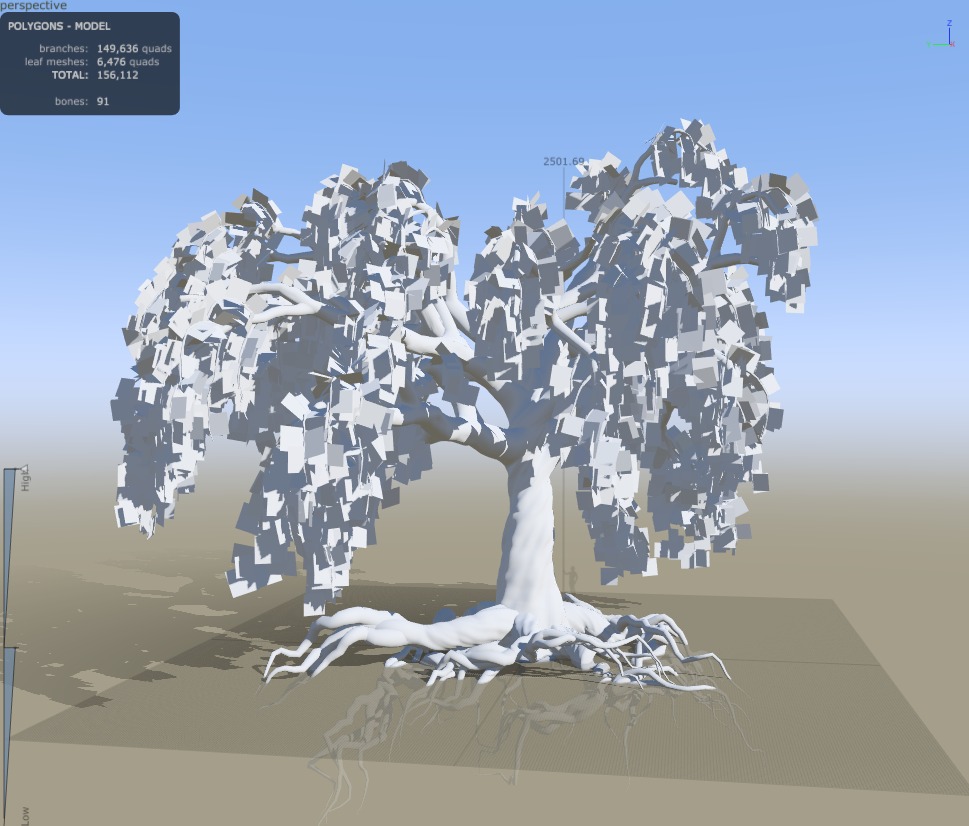
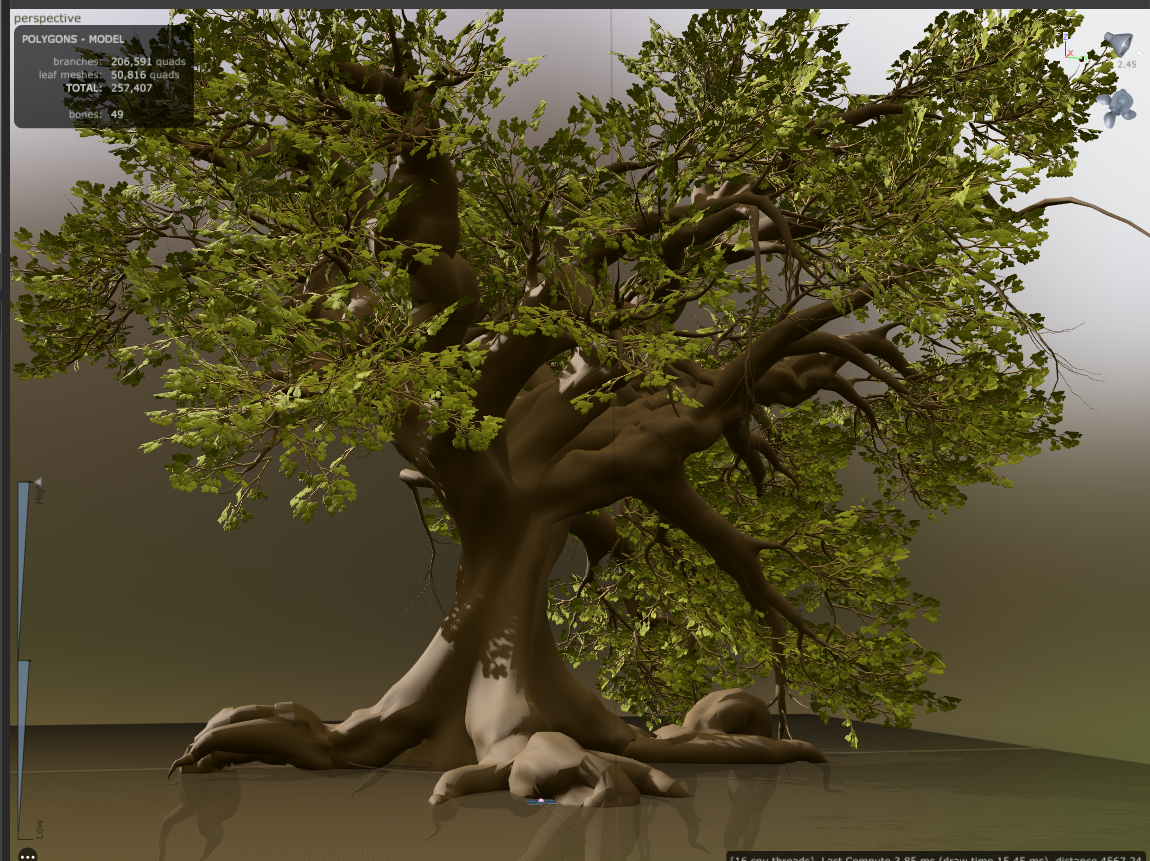
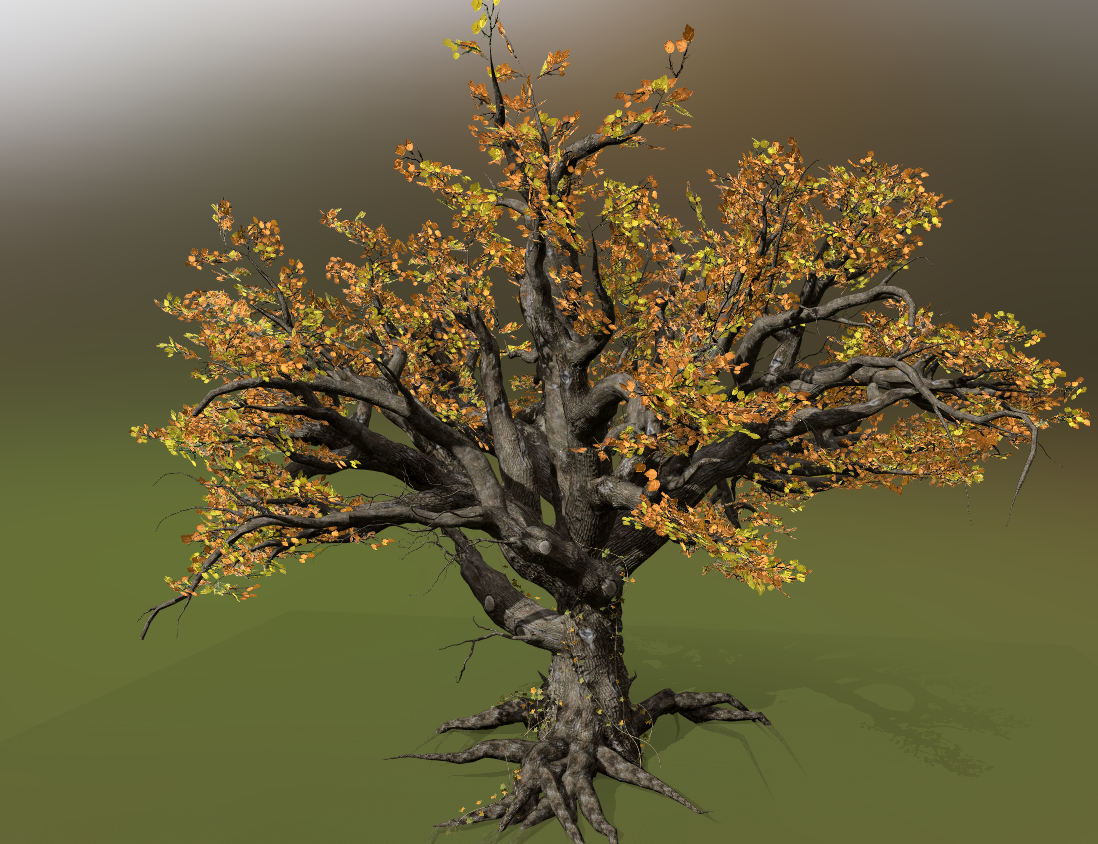
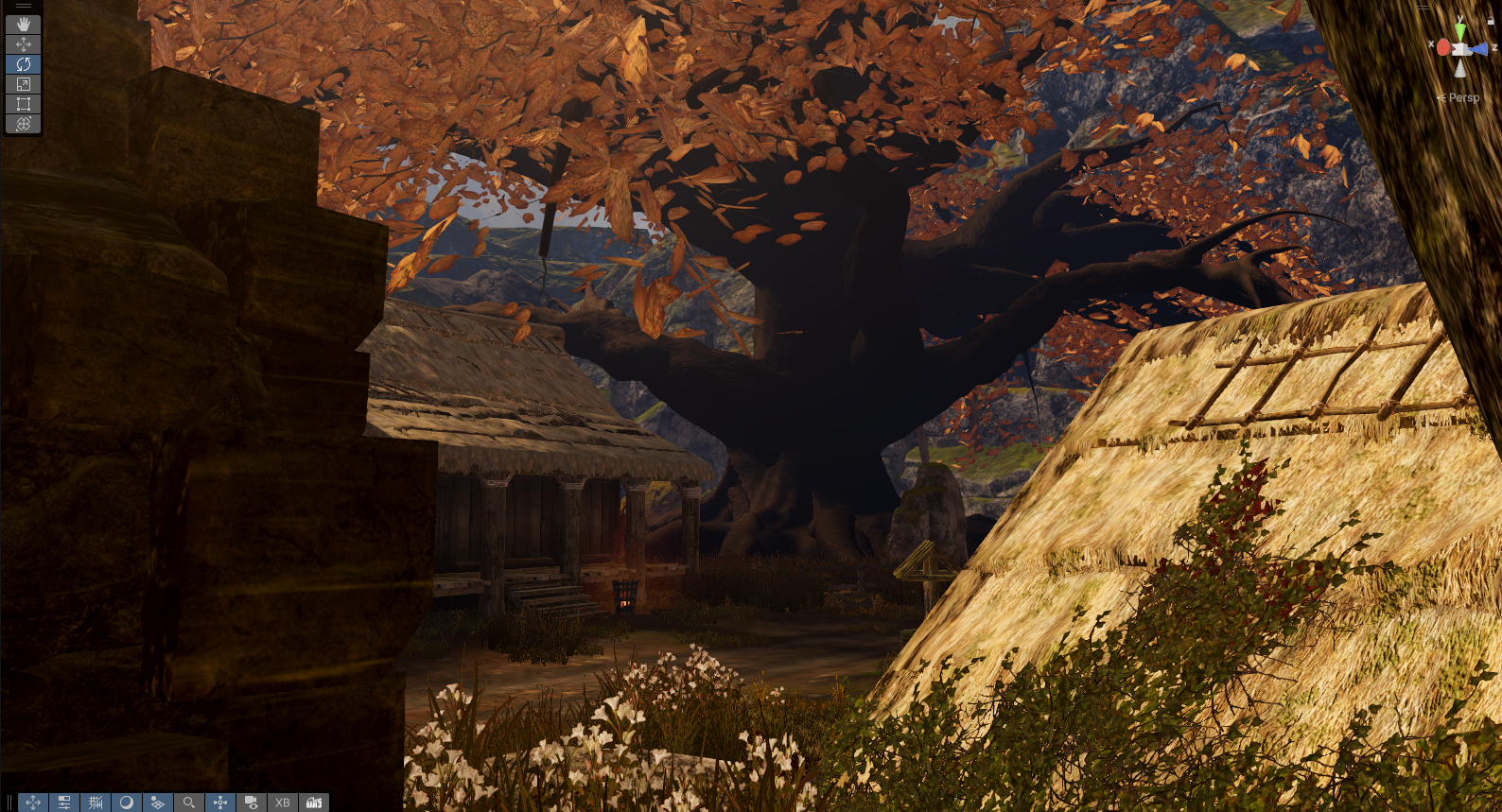
These trees can be several dozen meters tall and greatly enhance the fantasy feel of the world. Standing beneath them in VR makes you feel small. Forests become denser and darker, and the environment feels older and more mysterious overall.
Lighting
Lighting and shadows are another major performance cost. Early in the Alpha, our lighting system didn’t always look good and performance-wise, it was pretty rough, especially at higher resolutions. While performance was good in 4K, switching to 5K caused serious issues, mainly because this system (called Screen Space Global Illumination or SSGI) is heavily dependent on screen resolution.
From an artistic perspective, the lighting also lacked natural consistency. Some objects appeared darker than others, and while we were aiming for an autumn atmosphere, the colors weren’t well balanced and lacked harmony. With the upcoming day/night cycle on top of that, these issues would only become more noticeable. We needed better control over both performance and color grading.
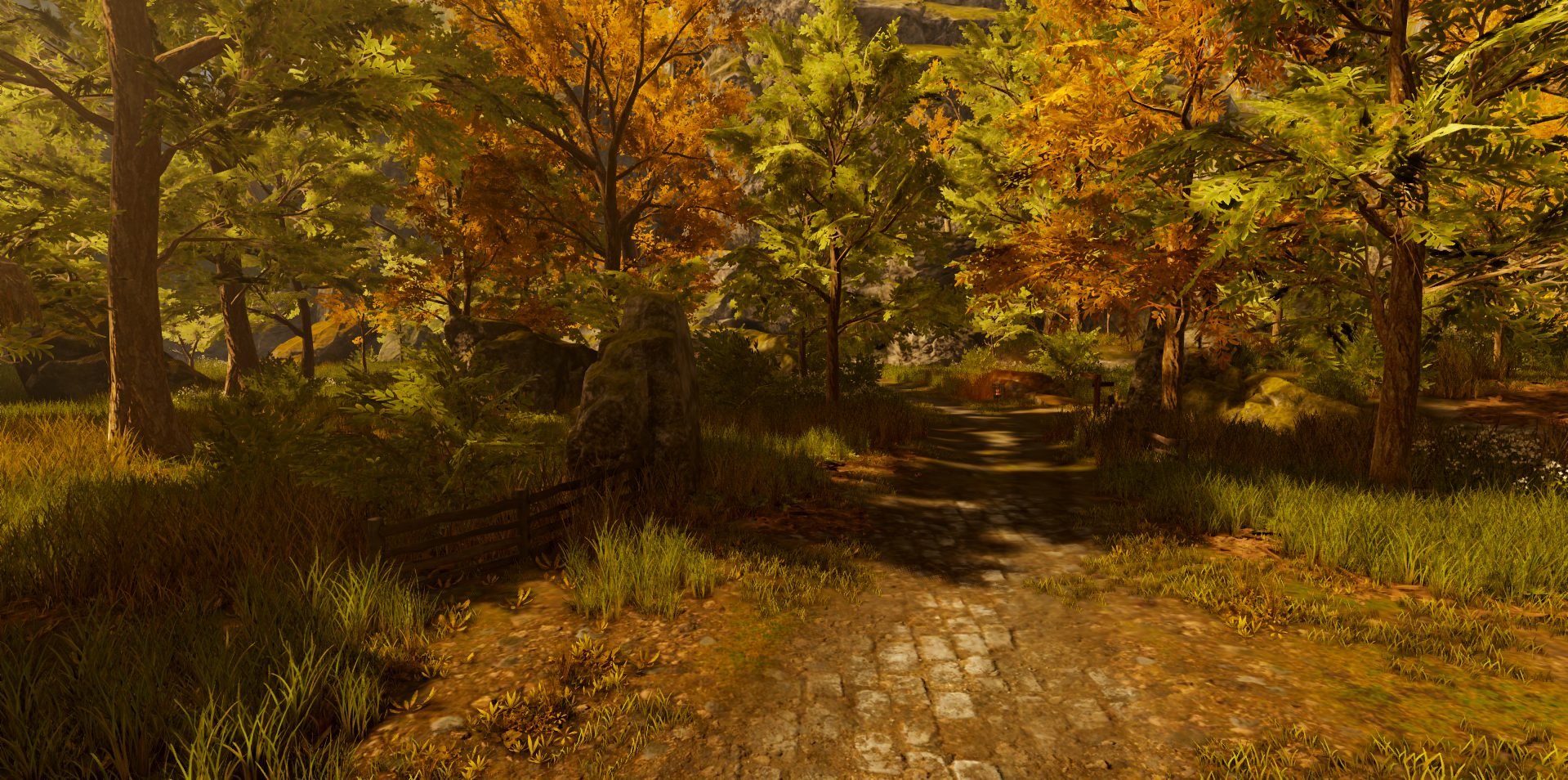
So we spent a significant amount of time rethinking how lighting works. After exploring the available options, we arrived at a higher-quality solution that no longer depends on what the camera sees (SSGI), but instead on the environment itself (called World Space Global Illumination or WSGI). This gives us much more control over lighting quality while making performance far less sensitive to resolution changes.
What about lower-end PC and Standalone headsets?
Of course, all of these changes are made with the understanding that not every player has a high-end PC. We’re also aiming to release a standalone version of the game later. So all optimization made will also helps creating this version.
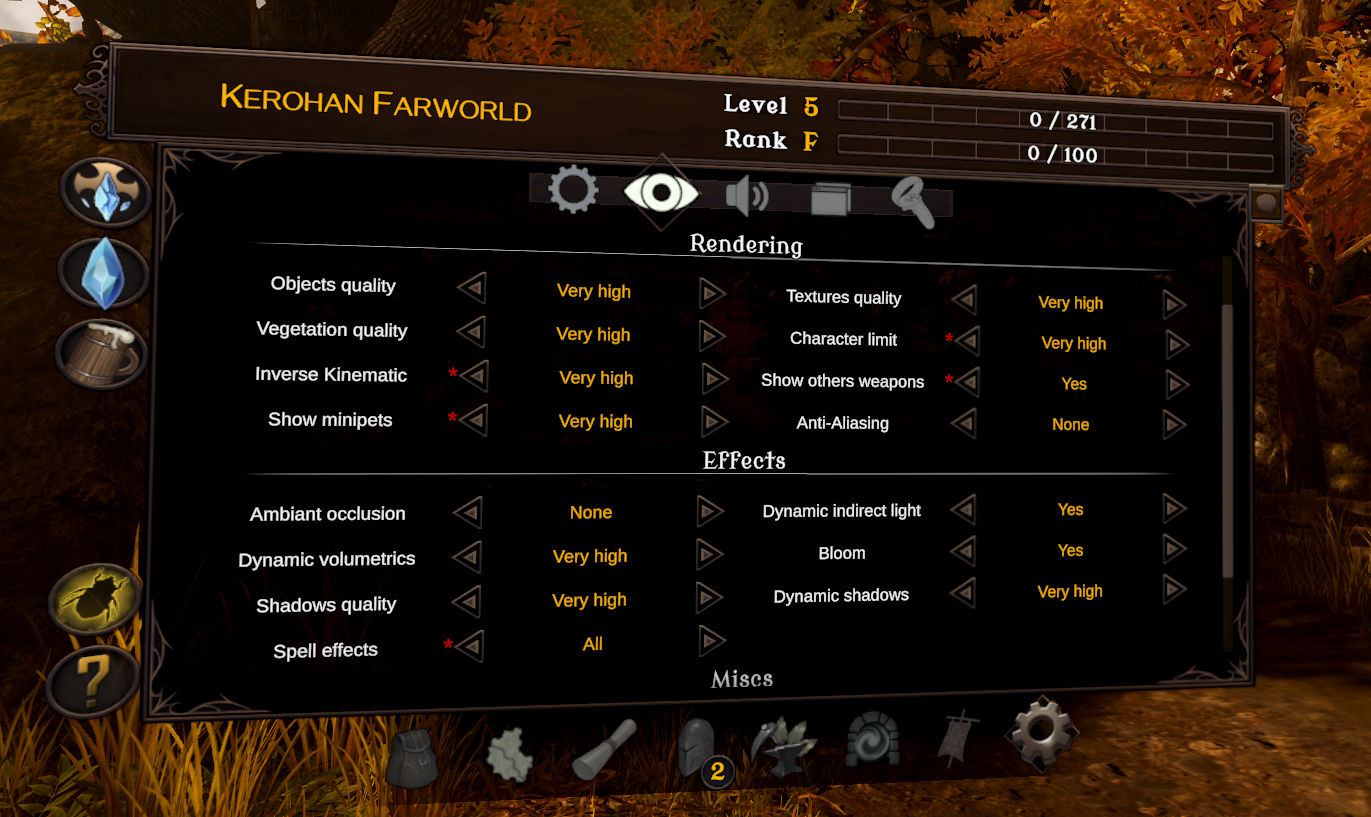
Previously, our lighting system didn’t allow for fine control over quality. If a player’s PC couldn’t handle the highest settings, the game would immediately look bad, with no real middle ground. That’s also why we decided to switch technologies to make visual quality far more flexible and scalable.
Result
Thanks to these improvements, we’ve reached 90 FPS at 5K on a modern gaming PC and managed to get better visuals. That doesn’t mean we’re done, though performance is an ongoing concern throughout development. Cities, in particular, need to support a large number of players simultaneously, which brings its own set of challenges.
Below, you can see a before/after comparison of the latest changes, along with a short video to see everything in motion!
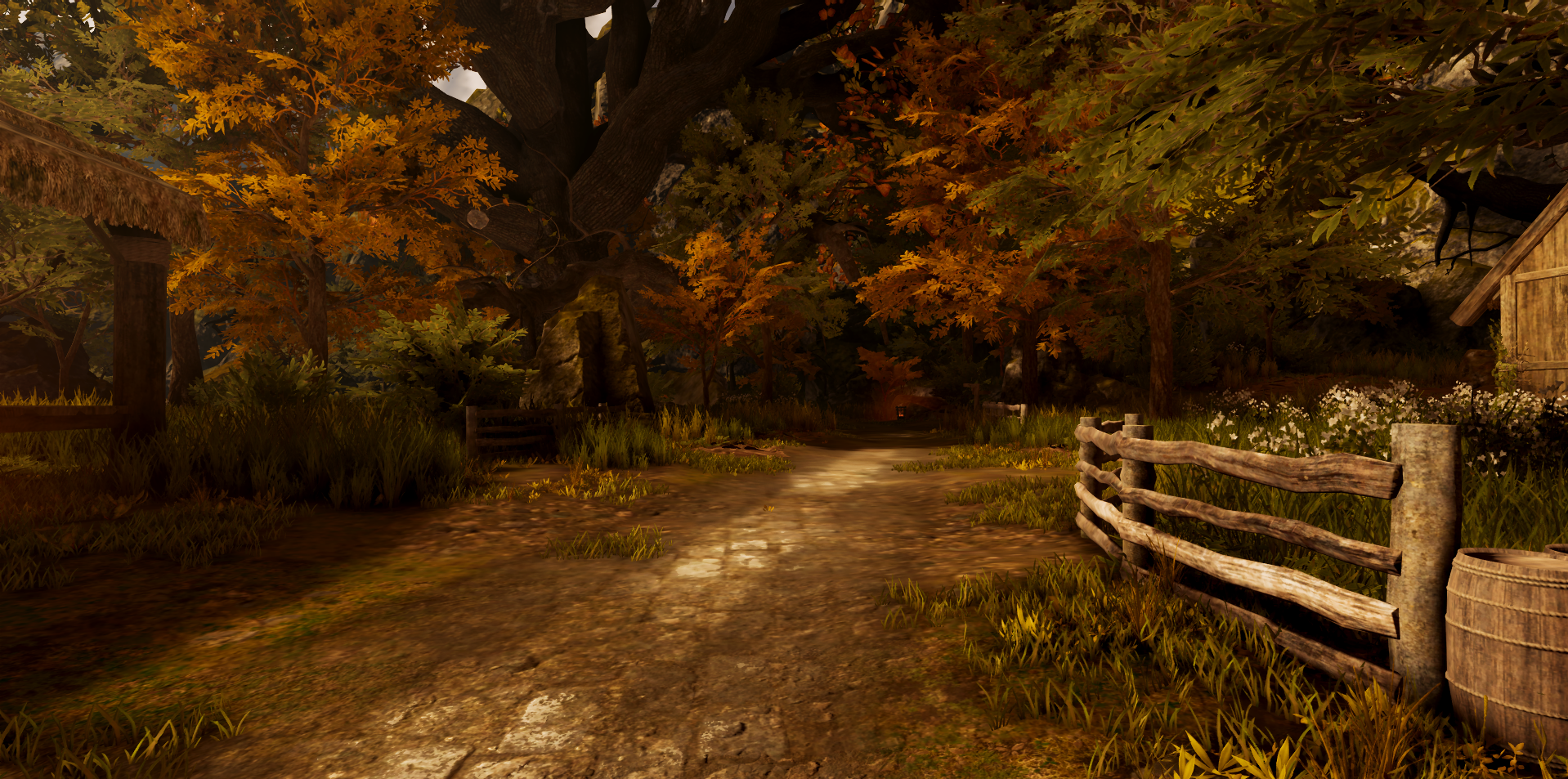
Few screenshots were added to the screenshots page if you want to see more!
Hope you liked this small behind the scene article! See you soon!